
Planning Your Business IT Relocation: A Strategic Guide
Minimize costly downtime and data risk during your office transition with specialized IT relocation services for business moves. Ensure a seamless, secure transfer of your critical technology infrastructure.

By Mark Johnson
Moving a business is a monumental task, but relocating its technological backbone is an entirely different level of complexity. A single misstep in transferring servers, network infrastructure, or workstations can lead to catastrophic downtime, data loss, and significant financial damage. Unlike moving furniture, an IT relocation is a high-stakes operation that requires meticulous planning, specialized expertise, and a deep understanding of both technology and business continuity. This process, often referred to as IT relocation services for business moves, is not just about transporting boxes of equipment, it’s about ensuring your company’s digital heartbeat continues uninterrupted in a new location.
The Critical Difference Between IT and Standard Office Moving
Many businesses make the costly mistake of treating their technology assets like any other office asset. Standard commercial movers excel at transporting desks and filing cabinets, but they lack the specific protocols, handling expertise, and insurance coverage required for sensitive IT infrastructure. Tech equipment moving services are a specialized discipline. This involves far more than physical transport, it encompasses a comprehensive lifecycle: pre-move auditing and documentation, systematic disconnection and labeling, secure and climate-controlled transportation, precise reinstallation, rigorous testing, and post-move support. The goal is zero operational impact, a feat that demands a project-managed approach rather than a simple logistics task.
Core Components of Professional IT Relocation Services
A full-service IT relocation provider handles every technological aspect of your move. Their scope typically breaks down into several key phases, each integral to a successful transition.
Pre-Move Planning and Inventory
The foundation of any successful move is laid long before the first cable is unplugged. This phase involves creating a complete and detailed inventory of all IT assets. This isn’t just a list of computers, it includes servers (physical and virtual), network switches, routers, firewalls, storage arrays, phones, printers, and all associated peripherals. Each item should be tagged with a unique identifier. Furthermore, a comprehensive review of the new site’s IT readiness is essential. This includes verifying power requirements, cooling capacity, network cabling, rack layouts, and internet service provider (ISP) installation timelines. A detailed floor plan mapping the location of every IT asset in the new space is also developed during this stage.
Secure Decommissioning and Packing
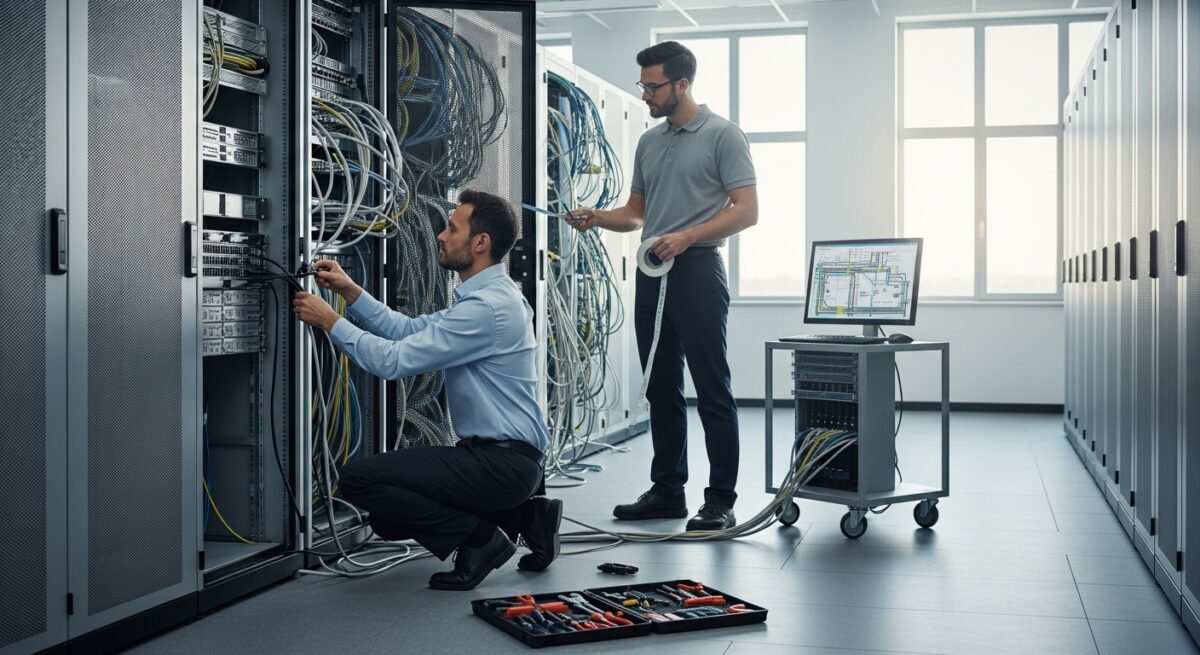
This is where specialized knowledge is paramount. Technicians will methodically shut down systems in the correct sequence to prevent data corruption. They create detailed cable maps and label every connection, a step that saves countless hours during reinstallation. Equipment is then carefully unracked, using proper antistatic procedures and specialized packing materials. Sensitive devices like servers and network gear are packed in custom, shock-absorbent, climate-controlled crates, not standard cardboard boxes. Data center moves require an even higher level of precision, often involving coordinated shutdown windows and redundant system failovers.
Transportation and Logistics
The physical move of IT equipment requires specialized logistics. Dedicated, GPS-tracked vehicles with air-ride suspension and climate control are standard to protect sensitive electronics from temperature extremes and physical jolts. Chain of custody logs are maintained throughout the journey. For critical infrastructure, some businesses opt for a phased or parallel move, where new systems are brought online at the destination before old ones are fully decommissioned, minimizing downtime. Coordinating this transport with other commercial relocation services is crucial to avoid bottlenecks and ensure a synchronized arrival.
Reinstallation, Configuration, and Testing
Upon arrival, the process reverses with equal care. Equipment is placed according to the pre-defined floor plans. Technicians use the cable maps and labels to rebuild the network infrastructure accurately. Systems are powered on in the correct sequence. However, the job isn’t done once the lights are on. Comprehensive testing is the most critical phase. This includes verifying network connectivity, testing server applications, ensuring data integrity, checking VoIP phone systems, and confirming that all workstations and peripherals are fully operational. Performance benchmarks are often run to ensure systems are functioning as well as or better than they were at the old location.
Key Benefits of Hiring Specialized IT Moving Services
Investing in professional IT relocation services delivers tangible returns that far outweigh the initial cost. The primary benefits include risk mitigation, minimized downtime, and long-term operational stability.
First and foremost is risk reduction. Professionals carry insurance specifically tailored for high-value electronics and data-bearing devices, covering damage that standard mover’s policies often exclude. Their expertise in handling fragile equipment drastically lowers the physical risk of damage. Secondly, they minimize business downtime. A well-executed plan can compress the “dark time” where systems are unavailable to a few hours over a weekend, as opposed to days or weeks of disruptive troubleshooting. This continuity protects revenue and maintains customer trust. Furthermore, using a specialized provider ensures compliance and security. They follow protocols for secure data handling during transit, which is vital for businesses subject to regulations like HIPAA, GDPR, or PCI-DSS. Finally, it relieves the immense internal burden. Your IT staff can focus on supporting users and core business functions rather than managing the overwhelming logistics of the move itself. For the physical relocation of non-technical assets, partnering with experienced professional moving services can further streamline the entire office transition.
Creating Your IT Relocation Checklist: A Step-by-Step Framework
To manage an IT relocation effectively, a structured framework is non-negotiable. While your provider will have their own methodology, understanding the key steps helps you collaborate effectively. The following phased approach is a robust starting point.
- Initiation and Assessment (Months 3-6 Before Move): Form an internal IT move team. Conduct a full audit of all hardware, software, and licenses. Engage potential IT relocation vendors for proposals. Perform a site survey of the new location. Define the budget and secure approvals.
- Detailed Planning (Months 2-3 Before Move): Select your IT moving partner and sign contracts. Develop a minute-by-minute migration runbook. Finalize the inventory and asset tagging plan. Order any new equipment or circuits needed for the new site. Plan the data backup and recovery strategy.
- Pre-Migration Preparation (Month 1 Before Move): Execute full system backups. Begin staging and pre-configuring new equipment if applicable. Communicate the move schedule and downtime expectations to all employees. Package non-essential IT equipment early.
- Execution Weekend (Move Days): Execute the final backup. Perform the shutdown, disconnection, and packing according to the runbook. Transport equipment securely. Reinstall, reconnect, and power on systems at the new site. Begin systematic testing protocols.
- Post-Move Validation and Support (Week 1 After Move): Conduct thorough testing and performance validation. Address any user issues or teething problems. Update documentation with new layouts and configurations. Conduct a project retrospective to identify lessons learned.
Adhering to this framework transforms a chaotic event into a managed project with clear accountability and milestones.
Common Pitfalls to Avoid During an IT Business Move
Even with planning, businesses often stumble into predictable traps. Awareness of these common mistakes is your first defense. Underestimating timelines is perhaps the most frequent error. IT relocations always take longer than anticipated, so build in significant buffer time. Another critical mistake is failing to involve the IT relocation team early. They should be part of the initial site selection process to assess technical feasibility. Neglecting to test the new infrastructure beforehand is a recipe for disaster, always verify power, cooling, and cabling. Furthermore, assuming the new internet circuit will be ready on the promised date is risky, always have a backup connectivity plan, like a cellular failover. Finally, skipping comprehensive post-move testing can leave hidden issues that surface as major problems later. Every system and connection must be validated.
Frequently Asked Questions About IT Relocation Services
Q: How far in advance should we start planning our IT relocation?
A: For a small office (under 20 users), start planning at least 3 months in advance. For a mid-sized business with a server room, 6 months is advisable. For large enterprises or data center moves, planning often begins 9 to 12 months prior.
Q: What is typically not included in a standard IT relocation service package?
A: Most providers do not include the cost of new hardware, software licenses, or new circuit installations (like internet or fiber lines). They also may not handle the moving of non-standard scientific or manufacturing equipment. These exclusions are usually clarified during the quoting process.
Q: Can we move our servers without any downtime?
A: Achieving true zero downtime is complex and expensive, often involving fully redundant systems at the new location. However, professional IT relocation services are designed to minimize downtime to a pre-planned, short window (often overnight or on a weekend), which is acceptable for most businesses.
Q: Who is responsible for backing up our data before the move?
A: While the moving company will follow procedures to protect data during transit, the ultimate responsibility for ensuring a complete and restorable backup lies with your business. Your IT team should perform and verify backups before the movers take control of the systems.
Q: How do we ensure our data security during the move?
A: Reputable providers use encrypted transport for storage devices, maintain chain-of-custody documents, and employ background-checked technicians. For extreme security needs, data can be electronically migrated over secure networks prior to the physical move, leaving hardware empty for transport.
A successful business move hinges on the seamless transition of its technology. By recognizing the unique demands of IT infrastructure, partnering with specialized tech equipment moving services, and following a disciplined, phased plan, you can turn a potential operational nightmare into a strategic, non-event. The investment in professional IT relocation services for business moves is ultimately an investment in business continuity, security, and future productivity, ensuring your first day in the new space is a day of business as usual.