
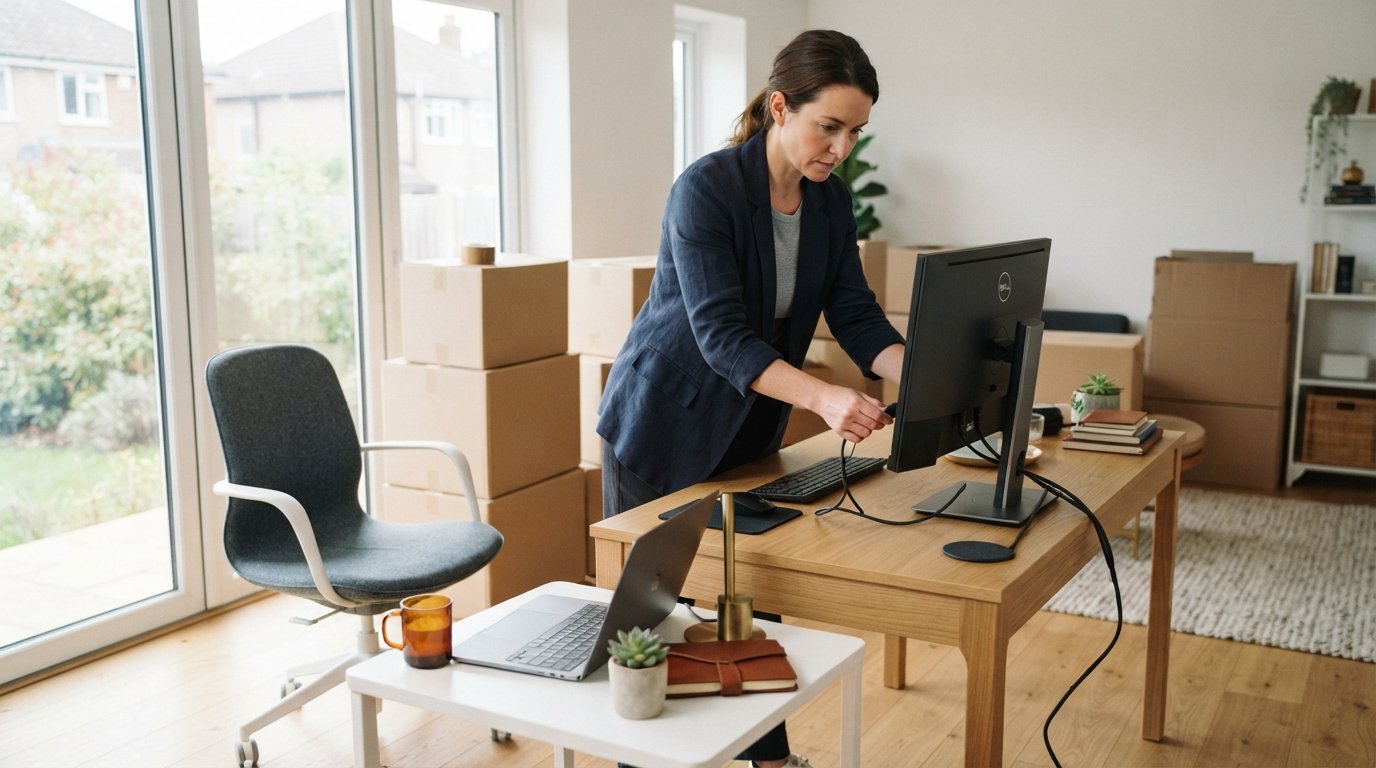
How to Move a Home Office Without Losing Productivity
Move your home office without losing productivity by planning around work, packing in layers, and setting up fast. Protect your output and your sanity.

By Megan Hall
The moment you unplug your monitor and stack your files into a box, a quiet fear sets in: what happens to your output? For remote workers, freelancers, and small business owners, a home office is not just a room. It is the engine of your income. A move that drags on for days or weeks can stall client projects, disrupt team communication, and drain the momentum you have built. The good news is that a productive home office move is not about luck. It is about sequencing, preparation, and treating your workspace like a critical piece of business infrastructure rather than an afterthought.
This guide walks you through a practical, step-by-step approach for how to move a home office without losing productivity. You will learn how to plan the transition around your work calendar, pack smart so you can work from day one in the new space, and set up your new office fast. Along the way, you will see how professional support can remove the heaviest lifting so you stay focused on billable hours and business continuity.
Start With a Productivity-First Move Plan
Most moving advice focuses on protecting furniture and fragile items. That is important, but your home office has a different priority: keeping your work capacity intact. A productivity-first plan begins with your calendar, not your boxes. Identify your busiest work periods, client deadlines, and recurring meetings. Then choose a move window that creates the least possible friction. If you can, schedule the physical move over a weekend or a short break, and keep the days before and after light on deliverables.
Next, map your office into three categories: essentials you need every day, items you need within the first week, and everything else. This simple sorting exercise prevents the classic mistake of packing your laptop charger, headset, or client files into a box that disappears for two weeks. Your essentials should travel with you personally, not in the moving truck. Think of them as your mobile command center.
Here is a practical framework for your move plan:
- Set a hard cutover date. Choose the day your old office stops being fully operational and your new one must be ready.
- Block your calendar. Reserve two half-days for packing and setup, and treat them like client meetings you cannot cancel.
- Create a go-bag for work. Include your laptop, charger, headset, notebook, pen, external drive, and any security keys or dongles.
- Notify key contacts. Tell clients, teammates, and vendors about your move dates so they can plan around any brief response delays.
- Set an internet deadline. Schedule your new internet installation before you move, not after, so you are not stranded offline.
When you treat the move like a project with milestones, you stop reacting to chaos and start controlling it. That single shift protects your productivity more than any packing hack. It also makes it easier to delegate tasks. If your budget allows, hiring professional packers or movers for the heavy items frees your time and attention for work that actually pays.
Pack Your Home Office in Layers
Home office packing is different from packing a bedroom or kitchen. Your equipment is delicate, your cables are confusing, and your files may be confidential. The goal is not just to protect items during transit. The goal is to make unpacking fast and logical so you can resume work quickly. Layered packing achieves both.
Layer one is your work go-bag, which stays with you. Layer two is a clearly labeled first-week box containing the items you need to function within the first few days: a second monitor, keyboard, mouse, router, power strips, and basic office supplies. Layer three is everything else: archived files, books, decor, and backup equipment. This structure means you can set up a functional workstation within an hour of arriving, even if the rest of the house is still in boxes.
For electronics, take photos of your cable connections before you unplug anything. Label each cable with a piece of masking tape and a number that matches your photo. Use original boxes when possible, or wrap monitors and towers in anti-static bubble wrap. Keep small parts like screws and adapters in labeled zip-top bags taped to the item they belong to. These small steps save hours of frustration later.
If you have a large home office with furniture, shelving, and sensitive equipment, professional packing services can be a smart investment. Trained movers know how to wrap, box, and secure electronics and office furniture so they arrive undamaged. You can request a free quote from vetted professionals through a service like FreeQuotes.Contractors to compare options and protect your workspace without overspending.
Build a Temporary Workspace Before the Move
One of the most overlooked productivity killers is the gap between packing up and setting up. If you dismantle your office on Friday and your new internet is not active until Wednesday, you lose three working days. Avoid this gap by creating a temporary workspace for the transition period. It can be as simple as a folding table in a quiet corner, a coworking day pass, or a laptop-friendly spot at a local library.
Before you pack your main setup, test your temporary setup. Plug in your laptop, connect to the internet, and make a test video call. Confirm that your headset works, your VPN connects, and your power supply is adequate. This dry run takes fifteen minutes and can save you from a disastrous client call. If you rely on dual monitors, consider borrowing a portable monitor or using a tablet as a second screen during the transition.
Communication is another layer of temporary infrastructure. Set an out-of-office message that explains your move dates and provides an alternative contact method if something is urgent. Give your closest clients and teammates a heads-up. Most people are understanding when they know what to expect. The goal is to manage expectations so that a short disruption does not damage long-term relationships.
Set Up Your New Office for Speed and Focus
When you arrive at your new home, resist the urge to unpack everything at once. Your first priority is a functional workstation. Set up your desk, chair, computer, and internet connection before you touch the decor. Once you can work, you can unpack the rest gradually without losing billable hours. This sequence is the heart of how to move a home office without losing productivity: function first, aesthetics later.
Test your new workspace for ergonomics and distractions. Is the lighting adequate? Is the chair at the right height? Is the room quiet enough for calls? Small adjustments now prevent back pain, eye strain, and lost focus later. If your new office shares a wall with a noisy area, consider a white noise machine or a set of noise-canceling headphones. Your environment directly affects your output.
Internet reliability deserves special attention. If possible, arrange for your new connection to be installed before your move-in day. If that is not possible, have a mobile hotspot as a backup. Test your upload and download speeds, and run a video call to confirm stability. For remote workers, a flaky connection is not just an annoyance. It is a business risk. Once your connection is solid, you can tackle the rest of your unpacking with confidence. For a structured approach to settling in, this post-move unpacking checklist can help you prioritize rooms and tasks without feeling overwhelmed.
Protect Your Time and Energy During the Transition
Moving is physically and mentally demanding. Even with a solid plan, you will face decisions, interruptions, and unexpected problems. The key to preserving productivity is to protect your energy. Schedule downtime, even if it is just an hour in the evening to decompress. Do not try to work at full capacity while managing a move. Instead, aim for a realistic output level and communicate that to your clients or team.
Delegate what you can. If your budget allows, hire movers to handle the heavy lifting, packing, and transport. Professional movers can often complete in hours what would take you days, and they reduce the risk of injury or damage. You can request quotes for packing, storage, or full-service moving through Moving.Homes, which connects you with vetted professionals who offer guaranteed pricing and 24/7 support. This is not an expense so much as an investment in your business continuity.
Finally, give yourself grace. A home office move is a significant life event, and it is normal for productivity to dip slightly. The goal is not perfection. The goal is to minimize the dip and recover quickly. With a productivity-first plan, layered packing, a temporary workspace, and a fast setup, you can move your home office and get back to work without losing momentum.
Whether you are moving across town or across the country, the same principles apply: plan around your work, pack for fast access, and set up function before form. Do that, and your new office will not just be a room. It will be a launchpad for your next chapter.